

Features
Integrations
Complass brings deadlines, approvals and measures into the tools your team already uses, and fetches inventory and status back from them.
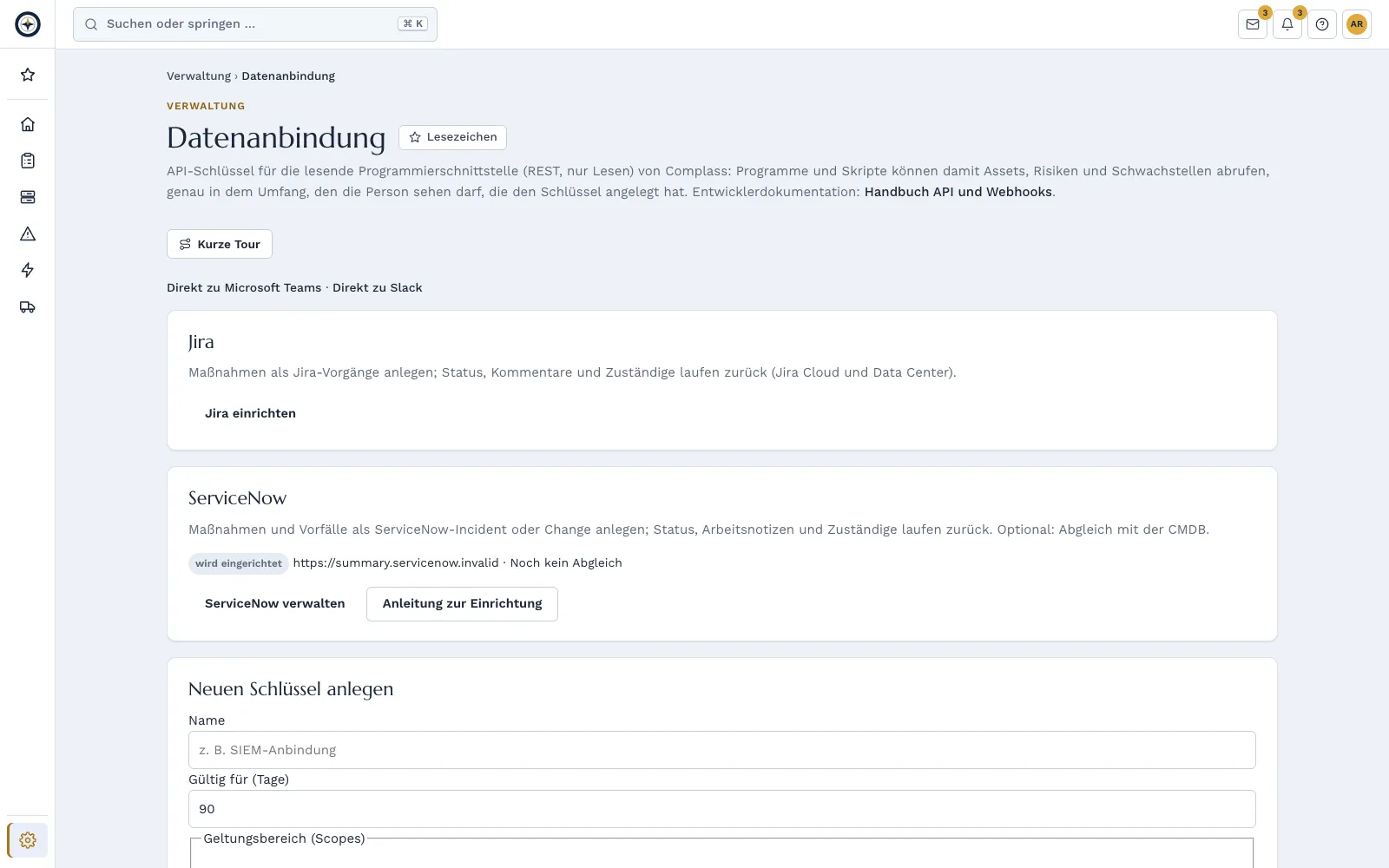
Works with
Complass exchanges data with these tools and formats: connected directly or by importing their result files.
Connected directly
 Identities, evidence
- Microsoft Teams
- Slack
- JiraCloud and Data Center
- ServiceNow
- Microsoft Entra IDIdentities, evidence
- Microsoft 365Licences
Import results
 Grype
Grype


 Nmap
Nmap
- OWASP Dependency-Check
- Zeek
- Microsoft Sentinel
- Elastic
- Microsoft Entra ID
- Active Directory
- Azure Backup
Open formats

 XCCDF
XCCDF
- SPDX
- SARIF
Product names and trademarks belong to their respective owners. There is no partnership, certification or endorsement by the owners. Trademark notices
They only show which tools and formats Complass exchanges data with. Active Directory, Azure, Microsoft, Microsoft 365, Microsoft Entra, Microsoft Sentinel and Microsoft Teams are trademarks of the Microsoft group of companies. Jira is a trademark of Atlassian. Slack is a trademark of Slack Technologies, LLC. ServiceNow is a registered trademark of ServiceNow, Inc. GitHub is a trademark of GitHub, Inc. Elastic is a trademark of Elasticsearch B.V. Tenable Nessus is a registered trademark of Tenable, Inc. Nmap is a registered trademark of the Nmap Project. MITRE ATT&CK® is a registered trademark of The MITRE Corporation. CSAF is a standard of OASIS Open, the logo is from OASIS. XCCDF is a format of NIST SCAP; the NIST logo only names the format and does not mean a test, validation or endorsement by NIST. Grype logo by Anchore, CC BY 4.0.
Compliance rarely fails for lack of knowledge, but because tasks sit in yet another tool that nobody opens.
How Complass helps
Microsoft Teams
Deadlines, approvals, reporting duties and new incidents appear as a card in the channel. You approve with one click in the chat.
Slack
Notices in the channel, with the Slack app also with buttons: you take over tasks and confirm acknowledgements right in Slack, with your own permissions.
Microsoft Entra ID, Microsoft 365 and GitHub
Accounts, groups and permissions for access reviews, settings such as MFA as automatic evidence and the number of Microsoft 365 licences for the licence reconciliation. Complass only reads.
Jira Cloud and Data Center
One click turns a measure into a Jira issue; status and comments flow back.
ServiceNow
Measures and incidents become incidents or change requests in ServiceNow; the status flows back.
Zammad coming soon
Tasks and incidents as a ticket in your Zammad.
Asset connectors
Your inventory comes read-only from NetBox, Snipe-IT, Intune/Defender, Lansweeper and OT tools.
REST API and webhooks
Read your data as JSON or CSV and report events to your systems with signed webhooks.
Measures as tickets
Whoever works in the ticket system gets the task there. Complass remains the source of evidence and status.
- One click from the measure or incident, with a link back to Complass.
- Status and comments are synchronised; done in the ticket means done in Complass if you set it up that way.
- You map people and groups once.
- Jira Data Center and ServiceNow instances are approved before the first connection.
- Zammad is coming soon: tasks one by one or in bulk as a ticket; you confirm in Complass what is done in Zammad.
Notices in chat
Deadlines and approvals reach the people responsible where they read anyway.
- Teams: cards in the channel, approvals with one click via the bot.
- Slack: messages in the channel via webhook or with the Slack app, plus direct messages and buttons for taking over and confirming on request.
- You decide per channel which events go where; confidential content stays in the portal.
Connectors: inventory, identities, evidence
Connectors read inventory, accounts and settings regularly. Complass never writes back.
- IT: NetBox, Snipe-IT, Microsoft Intune and Defender, Lansweeper.
- Identities: accounts, groups and permissions from Microsoft Entra ID and GitHub for access reviews.
- OT: Nozomi, Tenable OT, Claroty CTD and Defender for IoT via a relay script in your network, without an inbound connection.
- In beta: Armis, Claroty xDome, Tenable One and Nozomi Vantage.
- Credentials stored encrypted and never shown again after saving.
- Evidence: settings from Microsoft Entra ID, Microsoft 365 and GitHub, once a day, with a traffic light at your requirements. Numbers are stored, not names of people.
- Licences: purchased and assigned Microsoft 365 licences per product for the licence reconciliation.
- For Microsoft and GitHub you set up your own app, which you can revoke at any time.
Beta: Qualys, Rapid7, Okta, Splunk, Microsoft Sentinel and device compliance from Intune are available as a beta where your package includes connectors: free during the beta, no service commitment (SLA). Read-only until the test against the real system has passed: Microsoft Intune, Qualys VMDR, Rapid7 InsightVM, Okta, Splunk, Microsoft Sentinel. There the connector imports and shows the data but closes and changes nothing automatically.
API and webhooks from Professional: API and webhooks, compare packages
A REST interface for reading your data as JSON or CSV, e.g. assets, vulnerabilities, risks, incidents and measures. Webhooks report events to your systems.
REST interface
A REST interface for reading your data as JSON or CSV, e.g. assets, vulnerabilities, risks, incidents and measures. Webhooks report events to your systems.
API keys per company
With scope, expiry date and revocation.
Signed webhooks
Webhooks signed, with retry and a delivery log.
Logged
Every call is recorded in the audit log.
OpenAPI documentation
Documentation in OpenAPI format.
Privacy register, read-only
With its own scope “privacy:read”, reporting and GRC tools read your privacy register as metadata, without personal content. Only administrators issue the key, and every call is logged.
Frequently asked questions
Do I need an integration to use Complass?
No. Everything works in the portal; integrations additionally bring notices and tasks into your tools.
What data goes to the other system?
Only what you decide: per connection you choose whether only the type and a link or also title and due date are sent; your company can set an upper limit. Evidence files stay in Complass.
Which plan includes the integrations?
Teams from Business; Slack from Business; Jira from Professional or with the add-on; ServiceNow from Professional or with the add-on; asset connectors from Professional; access reviews with Entra ID and GitHub from Professional or as an add-on; evidence from Microsoft 365 and GitHub and licences from Microsoft 365 from Professional; API and webhooks from Professional.
Try Complass with your own data
Set up your trial yourself, with a sample project per framework if you like. If you would rather see Complass first, request a demo.