

Features Included in every plan
Complass Core
The foundation for every module, included in every plan: administration and permissions, security, teamwork, and help, support and training. Every framework and module you book uses the same roles, evidence and tasks.

Also in every plan: baseline protection under GDPR and AI Act and Whistleblower protection (HinSchG). To the prices
Administration
Team and access
Add people via invitation link, set expiry dates or deactivate accounts. Open sessions of deactivated people end immediately.
Roles and granular permissions
Administrator, editor or read-only, plus no access, read or write per person and area, and special rights such as export, delete or approve, optionally time-limited.
Role profiles
Reusable profiles, e.g. for OT technicians or external auditors, assigned with one click. The “What may person X do?” view shows where each right comes from.
Start view per role
Administrators decide which dashboard each role starts with; everyone can adapt it.
Language for the whole company
Your administrator can prescribe one language for everyone in the company; without a rule, each person chooses for themselves.
Licence, usage and modules
Booked frameworks and modules, quotas for people, projects and storage in one place; you request further modules in the portal.


Security
The key points at a glance. All measures with technical details are on the security page.
Sign-in with MFA, passkey or SSO
MFA for everyone; alternatively a passkey (e.g. Touch ID, Windows Hello or a security key) or single sign-on via your identity provider (OpenID Connect).
Encryption
HTTPS, evidence files with a separate key per customer, encrypted backups.
Hosted in Germany
Operated by Hetzner Online GmbH in data centres in Germany.
Support only with approval
The person concerned approves support sessions, time-limited and read-only by default; every page view is logged.
Data deletion on request
Export, confirmation with MFA, 7-day waiting period and deletion confirmation as PDF.
Audit log and retention periods
Important actions are recorded in the customer audit log, exportable for your administrators. IP addresses are shortened after a set period, old entries deleted.
Audit export
An encrypted package for internal and external audits with projects, documents, measures, risks, assets, log and checksums over all files. A manifest shows that the package is unchanged; you verify it in the portal.
Legal and normative basis
- § 30 Abs. 2 Nr. 9 und 10 BSIG§ 30 BSIG Risikomanagementmaßnahmen besonders wichtiger Einrichtungen und wichtiger Einrichtungen(1) Besonders wichtige Einrichtungen und wichtige Einrichtungen sind verpflichtet, geeignete, verhältnismäßige und wirksame technische und organisatorische Maßnahmen, die in Absatz 2 konkretisiert werden, zu ergreifen, um Störungen der Verfügbarkeit, Integrität und Vertraulichkeit der informationstechnischen Systeme, Komponenten und Prozesse, die sie für die Erbringung ihrer Dienste nutzen, zu vermeiden und …Open original (gesetze-im-internet.de) ↗
- Art. 32 DSGVOArticle 32 GDPR Security of processing1. Taking into account the state of the art, the costs of implementation and the nature, scope, context and purposes of processing as well as the risk of varying likelihood and severity for the rights and freedoms of natural persons, the controller and the processor shall implement appropriate technical and organisational measures to ensure a level of security appropriate to the risk, including inter alia as …Open original (EUR-Lex – consolidated version incl. corrigenda) ↗
- ISO/IEC 27001:2022, A.5.15–A.5.18
Collaboration
Comments with @mentions
On tasks, documents, catalogue entries, incidents, assets and vulnerabilities. Questions can be marked as resolved; earlier versions remain visible.
Contributors per object
Invite colleagues to a specific task or document, to comment or co-edit, with a deadline.
External people in comments
Invite a service provider or vendor to one specific task: with a second factor, time-limited and for this object only.
Notifications
Mentions, replies and due tasks by email and in the bell in the header.
Administrator inbox
The administrator approves, adds to or declines reports and requests from the team in the inbox.

Help and support
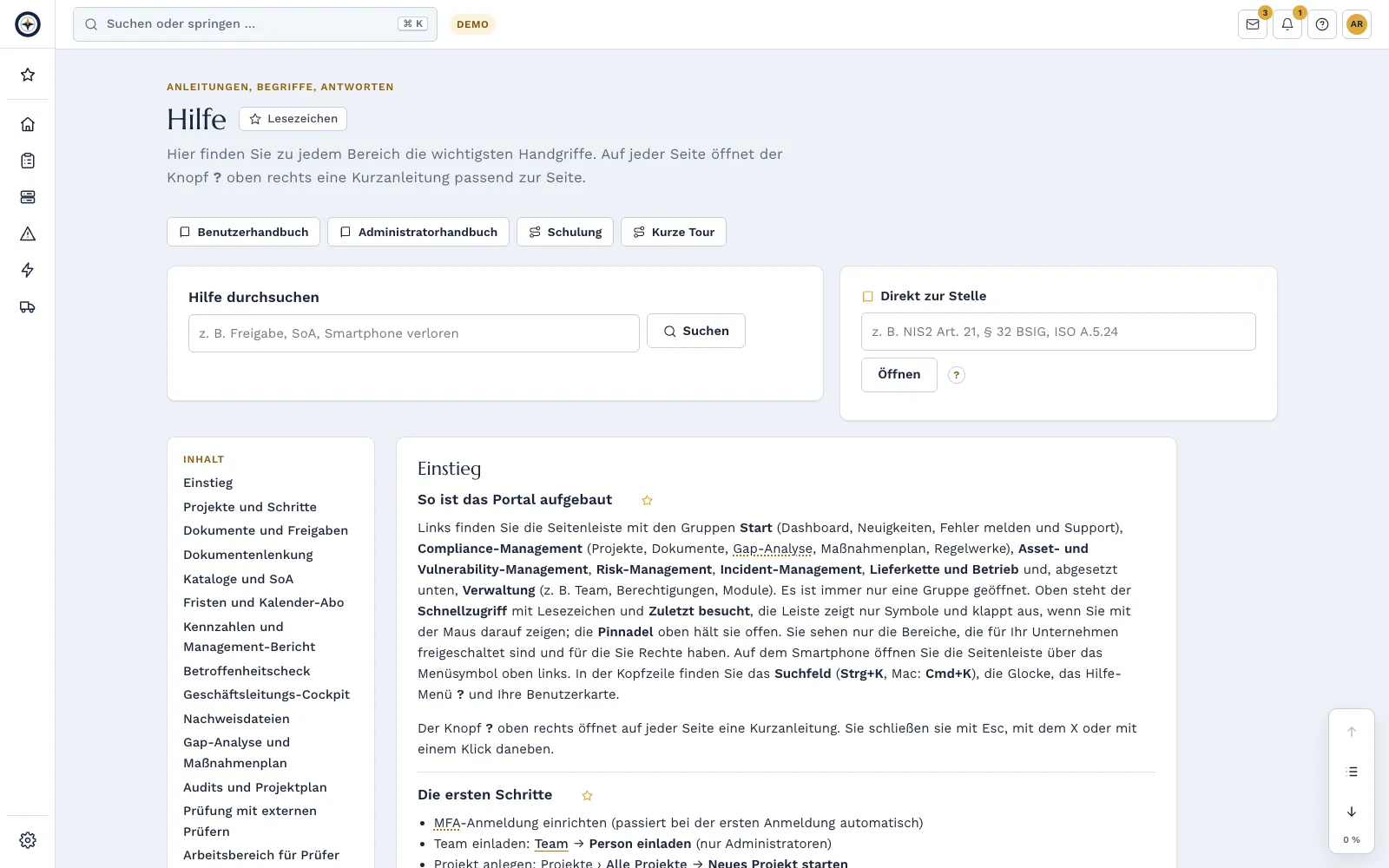
A short tour on every page
Explains the open page in a few steps. At the first sign-in, an introduction guides you through the portal, matched to role and modules.
Short films
Key workflows as short films with subtitles and step-by-step text.
Help, glossary and search
Help for the current page, around 95 explained terms, search across the whole portal and a jump straight to a reference.
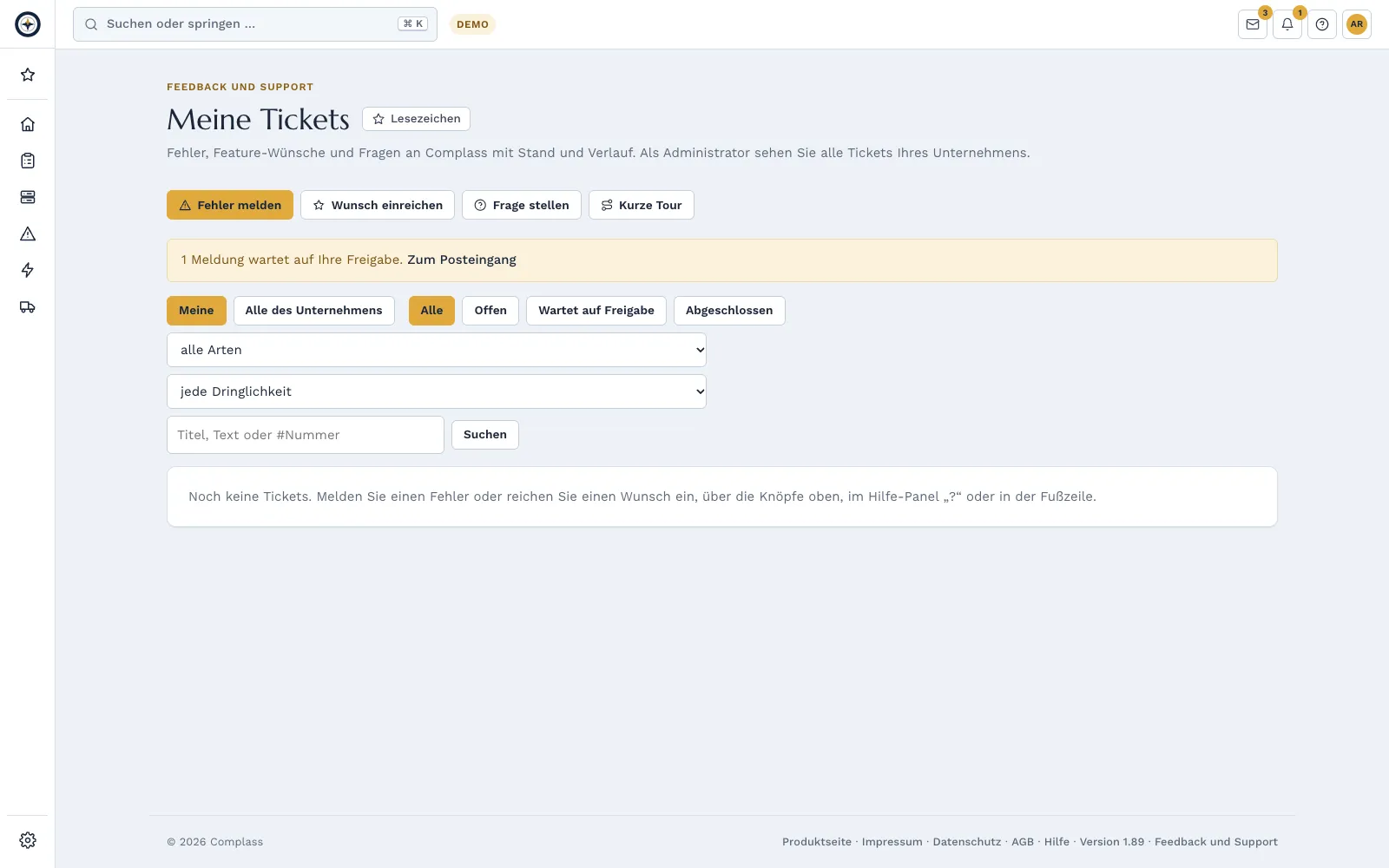
Feedback and support
Report bugs, submit requests, ask questions, with attachments and optional context. Reports go bundled via your administrator; you see status and replies in the ticket, up to “resolved in version …”.
Manual and introductions
User and administrator manual online and as PDF, an introduction to every framework.
Languages
User interface in German and English, plus French, Spanish, Italian, Dutch, Polish and Portuguese as a beta. Each person chooses their own language; technical terms such as backup or firewall mostly stay in English.

The short film shows the German user interface.
What changes from version to version is listed under What’s new.
The Complass training is included in every subscription. More on training and awareness →
AI fill-in assistant included from Professional: AI fill-in assistant, compare packages coming soon
A click on “AI suggestion” next to justifications in the Statement of Applicability, in document sections and on measures delivers a suggested wording with sources: paragraphs from the legal texts in Complass, the section’s guidance text and your own entries.
Suggested wording with sources
A click on “AI suggestion” next to justifications in the Statement of Applicability, in document sections and on measures delivers a suggested wording with sources: paragraphs from the legal texts in Complass, the section’s guidance text and your own entries.
Never automatic
Accept, edit or discard.
Off by default
Your administrator switches it on.
Processing in the EU
Data centres in the EU, no training with your data.
Placeholders for personal data
Names, email addresses and phone numbers are replaced with placeholders before being sent.
Labelled and logged
Every suggestion is labelled as an AI suggestion and recorded in the audit log.
Included in
Available as an add-on, included in the Professional and Premium packages.
Teams, Slack, Jira, ServiceNow, asset connectors, API and webhooks are on the page Integrations →
Try Complass with your own data
Set up your trial yourself, with a sample project per framework if you like. If you would rather see Complass first, request a demo.